ImageDelOptim App for Mac
Optimise or delete images in bulk across folders and subfolders, with smart scheduling, live progress, and detailed error logs. Supports JPG, PNG, HEIC, TIFF, PSD, DNG.
Link for downloading the App:
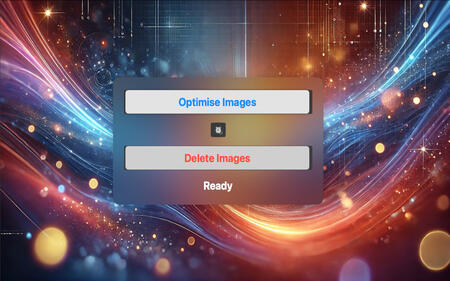
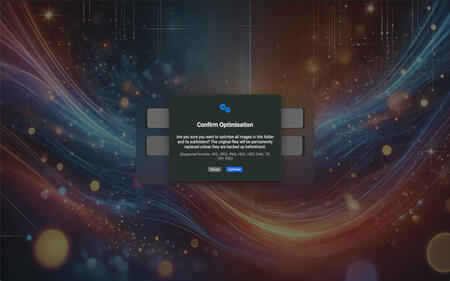
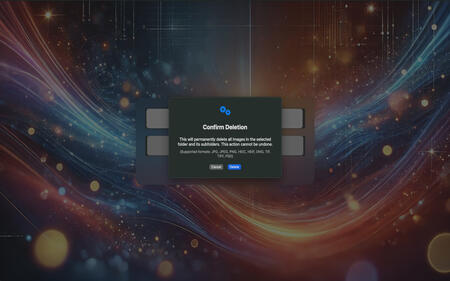
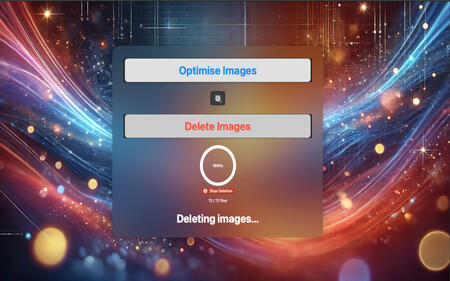
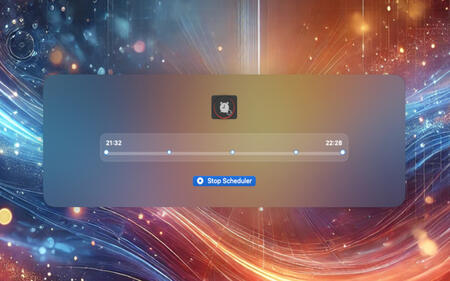
ImageDelOptim is a fast and simple macOS app to optimise or delete images in bulk, directly from a root folder and all its subfolders.Choose a folder, click once, and ImageDelOptim processes all supported images recursively while keeping strong visual quality and reducing file size.
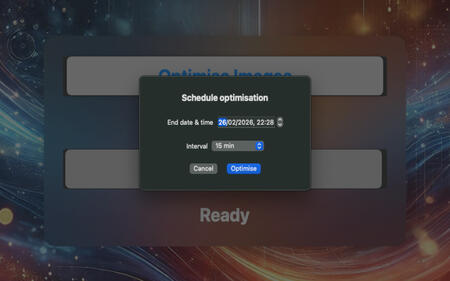
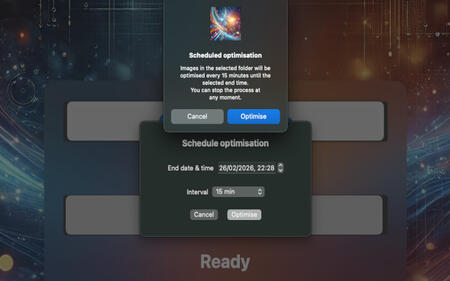
You can also remove all supported images in one action when needed.ImageDelOptim includes an advanced scheduler: pick a folder, set an end date/time, and choose an interval (5, 10, 15, 30, or 60 minutes).
Optimisation starts immediately, then repeats automatically until the selected end time.
You can stop scheduled runs at any moment.The app also provides clear progress tracking and improved reliability:
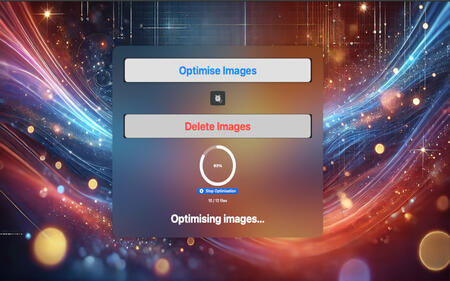
* Live progress with processed/total file count
* Stop controls for optimisation, deletion, and scheduler tasks
* Detailed error log for unreadable/damaged images, with quick Finder access
* Safe file writing workflow and preserved file creation/modification datesKey Features
* One-click recursive image optimisation
* One-click recursive image deletion
* Scheduled optimisation with selectable intervals (5/10/15/30/60 min)
* Automatic stop at selected end time
* Real-time progress and status feedback
* Error reporting for problematic image files
* Lightweight, focused macOS experienceSupported File Formats
* JPG / JPEG
* PNG
* HEIC / HEIF
* TIF / TIFF
* PSD
* DNGImportant Notes
* Optimised images are saved as JPEG files (_o.jpg).
* Already optimised files are skipped in future runs.
* Non-date metadata is not preserved during optimisation.Simple by Design
ImageDelOptim focuses on efficiency and ease of use.
The interface is intentionally minimal so you can optimise and delete large collections of images without distractions or unnecessary configuration.